Land your first AI client in 90 days
Inside CC Strategic AI + you get my 27-day Claude Code mastery program with a 1-click install setup file, so you’re up and running on day one. Plus my GoHighLevel CLI, the Skool Automation MCP and Jarvis +. And you work WITH us to land your first AI client in 90 days, or your money back.
You can spot an AI-built website in 2 seconds: a generic hero, stock photography and four feature cards. Agencies still charge $20,000 or more for sites like that. So I ran Claude Code vs Codex. I wrote one prompt, did nothing else, and let two models build a med spa site at the same time.
I’m Charles J Dove, I run Charlie Automates, and this post covers the prompt I used, how long each model took, and the post-production path that decides whether a client actually pays for the site. If you want to build a website with Claude Code, this is the workflow.
How Do You Write One Prompt That Builds a Whole Website?
You don’t write it from scratch. I use SEED, my ideation framework, to package a solid prompt. SEED is for ideation. PAUL is the orchestration layer that does the building.
I told Claude to write a prompt I could hand to PAUL, with these rules:
- Do the research first. Find 10 websites from other medical spa companies and pick the best elements from each.
- Use the Playwright CLI, a browser automation tool, to pull images and context from the sites it finds.
- Load design skills: front-end design and UI/UX Pro Max.
- Full autonomy. To keep the test fair, I let the AI answer all its own questions.
- Save it as a markdown file that references the build spec path, so I can one-shot the whole thing.
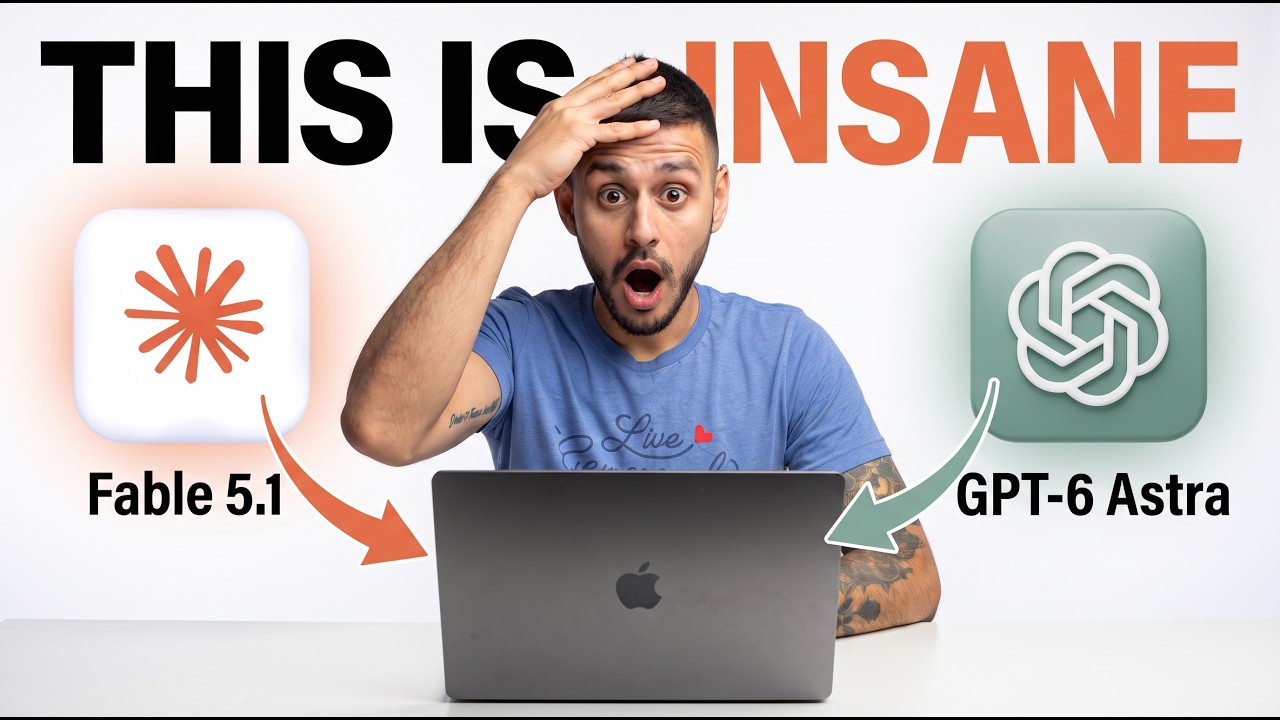
I copied the finished prompt into two separate sessions: Fable 5.1 on medium effort in Claude, and GPT-6 Astra on medium effort in Codex. Each got the file path, the /goal command to run autonomously, and an instruction to run PAUL plan, apply and unify without stopping. I named the folders Claude Valmora and Codex Valmora (Valmora is the brand name the AI came up with) so I could tell them apart.
Claude Code vs Codex: Which Built the Website Faster?
GPT-6 Astra in Codex finished in 1 hour 18 minutes. Fable 5.1 in Claude finished in 2 hours 45 minutes.
| Model | Effort | Time |
|---|---|---|
| GPT-6 Astra (Codex) | Medium | 1 hr 18 min |
| Fable 5.1 (Claude) | Medium | 2 hr 45 min |
Claude ran into issues with its sub-agents, which cost it a lot of extra time. I also used up my premium usage building the Codex site, so I switched to my Reserve account for the Claude run.
Are One-Prompt Websites Actually Good?
They’re good enough to start with. Most med spa sites are outdated and non-functional, and one prompt in about an hour produced something solid. My notes on both:
- Astra: sharper edges, a transparent header I liked, solid animations and placeholders.
- Claude: rounder styling, a full booking section with a solid calendar, but an animation I didn’t like and some overlap.
- Both: the booking section works, and I’d only need to connect it to the client’s CRM on the back end.
I wouldn’t call either one better. What matters when you hand this to a client: the copy is right, nothing overlaps, and everything functions.
How Do You Deploy the Site and Polish It for a Client?
- Push to GitHub so the files are saved.
- Deploy on Railway. Create a new project, pick the GitHub repo and let it build.
- Generate a domain in settings. That gives you a production link instead of localhost.
- Add the client’s custom domain and plug the DNS settings into wherever they bought it (Namecheap, GoDaddy, Google).
Then comes the part that gets paid. The client has to be happy with the language, the color scheme and the functionality. I also need to know what software stack they use inside the business before I touch the back end.
How Do You Fix Animations and Buttons Fast?
I use 21st.dev. It has a library of animations and components. I screenshot the one I like, paste it into Claude with the prompt from the site, name the element I want to change, and say something like “change the CTA buttons on the home page to fit this while keeping our current color theme.” Then I tell Claude to push to GitHub, which auto-deploys the new version.
I did the same for the hero background. The first pass had cut-off letters and some overlap, so I went back and forth with screenshots until the buttons worked, the background was clean and the padding was tight. That’s the whole loop: screenshot, example, fix.
Once you like a site, you can reuse it as a template for the same client type and change the brand kit and animations. Most of the time the first version makes clients happy because it’s light-years better than what they have.
If you want to see how I use Claude for this kind of design work, check out my free anti-slop design stack and Claude Code Astro guide.
Key Takeaways
- Use SEED to write the prompt and PAUL to build. Ideation and orchestration are separate jobs.
- Make the AI research 10 real competitor sites first.
- Astra built it in 1 hr 18 min; Fable 5.1 took 2 hr 45 min on the same prompt at medium effort.
- Neither was perfect. Both needed post-production on animations and overlap.
- Deploy with GitHub and Railway, then add the client’s domain.
- Use screenshots and 21st.dev to swap animations and buttons fast.
- Check the CRM and software stack before editing the back end.
Where to Go From Here
Land your first AI client in 90 days.
Join CC Strategic AI + for my 27-day Claude Code mastery program with a 1-click install setup file, and work WITH us to land your first AI client in 90 days, or your money back.
The tools from this walkthrough on charlieautomates.com:
At my agency CC Strategic we build systems like this for business owners, and new builds drop every week on my YouTube channel @charlieautomates.
FAQ
Can Claude Code build a whole website from one prompt? Yes. With a good prompt file, design skills and an orchestration layer like PAUL, Claude Code builds a full site, including a working booking section. Expect to polish animations, copy and overlap afterward.
Which is faster for building websites, Claude or Codex? In my test, GPT-6 Astra in Codex finished in 1 hour 18 minutes and Fable 5.1 in Claude took 2 hours 45 minutes, both at medium effort. Claude lost time to sub-agent issues.
How do I deploy a Claude Code website? Push it to GitHub, create a new Railway project from that repo, generate a domain in settings, then add the client’s custom domain with the DNS settings Railway gives you.
How do I change animations after the first build? Find an animation on 21st.dev, screenshot it, paste the screenshot and its prompt into Claude, name the element to change, and tell Claude to push to GitHub so it auto-deploys.
Can I charge clients for a site built this way? Agencies charge $20,000 or more for sites like these. What gets a client to pay is the post-production: right copy, no overlap, working functions, and a connection to their CRM.