Not sure what to fix first?
Most people don’t need another AI tool. They need to know which thing is actually costing them the most.
The AI Bottleneck Finder asks you a handful of questions, then tells you the one constraint capping your revenue right now plus two builds you could ship this week. Five minutes, free, no call required.
Take the free AI Bottleneck Finder →
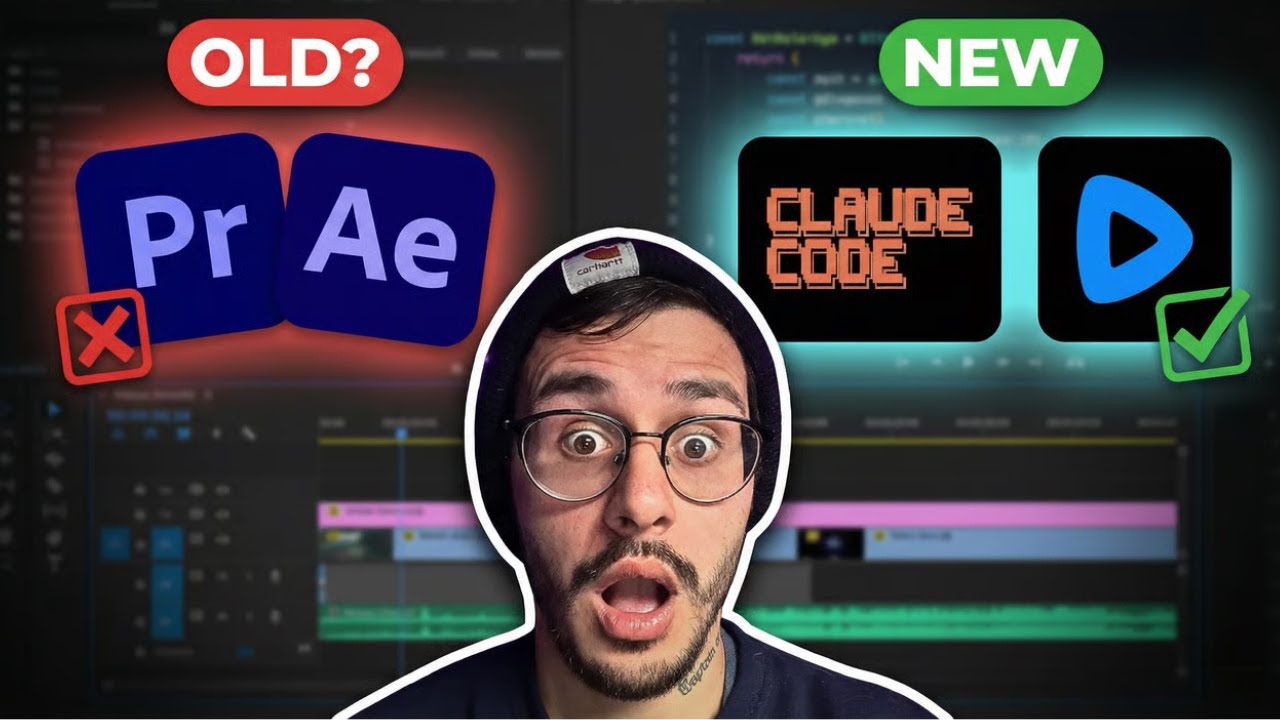
Claude Code can generate video now. And it’s actually really good.
This week, Remotion dropped a set of skills that let you create videos directly from Claude Code by simply prompting. I’m Charles Dove, and I’ve been building with Claude Code every single day. When I saw this drop, I had to test it immediately.
The first video I made? Free. The result? Way better than I expected for a first iteration.
I made this video on my YouTube channel @charlieautomates to walk through the whole thing. Here it is:
What Remotion Actually Does Inside Claude Code
Let me break this down simply. Remotion is a React-based video framework. It lets you build videos with code instead of dragging clips around in a timeline editor.
Here’s the cool part. Remotion released a set of Claude Code skills and markdown files. These skills teach Claude how to create Remotion videos. You don’t need to write prompts from scratch. You don’t need ChatGPT. You just install the skills, open Claude Code, and tell it what video you want.
Claude generates the React code. It opens Remotion’s editor locally on your machine. You preview it, tweak it, render it, and download it.
Each video is custom-coded. Every single one. And when you want to make updates, you don’t start from scratch. You screenshot the part you want changed and tell Claude, “Hey, update this section.” Or you ask Claude for suggestions on how to make the video better.
That’s it. That’s the workflow.
How to Set It Up (Two Commands)
The setup takes about two minutes. You need two commands. Both are dead simple.
Step 1: Install the Remotion Skills
Open your terminal and run:
npx skills add remotion-dev/skillsThis grabs all of the Remotion skills and markdown files. It downloads them and installs them into your Claude Code environment. Choose to globally install it. Pick the recommended method. Click yes on everything.
If your terminal asks what editor you’re using (VS Code, Cursor, etc.), just choose your option.
Step 2: Create a New Video Project
Run the second command:
npx create-video@latestThis sets up a new Remotion video project. It’ll ask you a few questions. Just click yes for each one. Name the project whatever you want.
You’ll get a folder with your video project, Claude rules, and all the skills ready to go. That’s the entire setup.
Your First Video: A Real Walkthrough
Here’s what I actually did. I dragged my new video folder into the terminal. Then I said to Claude:
“Hey Claude, can we open Remotion and create a video in that folder?”
I put Claude into plan mode first. That way it asks me questions before generating. You get a much better result on your first try this way.
I told it I wanted a TikTok reel. 9x16 vertical format. Claude looked through the folder, understood the Remotion setup, and started building.
It asked me some clarifying questions. I submitted my answers. It generated the video and opened it in Remotion’s local editor.
Did it have logos or fancy graphics? No. But it gave me a solid base to start with. And that’s the whole point.
From there, I could ask Claude to:
- Make the title bigger
- Find a logo for Remotion online
- Use the Chrome extension to do a deep image search
- Pull images from the internet and add them to the video
I even had it crawl my SaaS product website, find all the product info, and build a promo video for it. It pulled everything automatically.
Will This Replace Video Editors?
Let me be real with you. Will this replace video editors immediately? Will it put tons of people out of work?
Not right now. Not at its current stage.
But here’s who it’s perfect for. Someone who doesn’t have a background in video editing or movie production. Instead of spending a couple hours trying to create something from scratch, you just pull open Claude, ask it to use Remotion, and generate what you want.
Then you keep chatting back and forth until it looks right. When you find something you like, click render, download the video, and splice it into your video editor as needed.
This is a tool that sits alongside your existing workflow. It doesn’t replace everything. It replaces the painful parts.
What I Actually Built With It
I tested this thing hard. Here’s what I created:
NFL Update Video: Remotion pulled images from the internet. Player photos, team logos, stats. It found them and made all the edits. First iteration, no manual image sourcing.
SaaS Product Promo: I pointed it at my product website. It crawled the site, found all the product information, and built a promotional video. I just had to feed it the logo file so it could add branding.
TikTok Reel: Standard 9x16 vertical content. Clean text animations, smooth transitions. Perfect for social media clips.
Dragon Ball Super Promo: Yeah, I went there. I had it build a promo for the new season. It was actually crawling the internet finding images of Goku and other characters before I stopped it. It works for anything.
Why This Matters for Content Creators
I made this video at Charlie Automates because there’s so many small content creators spending hours trying to create B-roll videos. Hours on motion graphics. Hours on intro sequences.
This saves all of that time. And it’s only going to get better.
Think about it. Every video is custom React code. That means:
- Full control: You can edit any element, any animation, any timing
- Reusable templates: Build once, modify with prompts for different content
- No design skills needed: Claude handles the code, Remotion handles the rendering
- Free to start: The first iteration costs nothing beyond your Claude Code subscription
At CC Strategic, we’re already looking at how to use this for client deliverables. Automated promo videos for SaaS products. Social media content packages. Branded video templates that update with a single prompt.
Pro Tips for Better Results
After building a bunch of these, here are the things that made the biggest difference:
Use plan mode first. Before you let Claude execute, put it in plan mode. It’ll ask you questions about what you want. Your first generation will be 10x better.
Feed it reference images. If you want a specific logo or brand asset in the video, save the image to your desktop and tell Claude where it is. It’ll pull it right in.
Screenshot and iterate. Don’t try to describe everything in one prompt. Let it build something. Then screenshot what you don’t like and tell Claude to fix it. This is way faster.
Delete the folders you don’t need. When you create a project, Remotion generates folders for different editors (Cursor, Codex, Gemini). If you’re just using Claude Code, delete the rest. Keeps things clean.
Open a second terminal for questions. If you’re confused about something in the Remotion project, boot up another Claude Code instance and ask questions about the codebase. Don’t interrupt your video generation session.
The Bigger Picture
This is just the beginning. Remotion has been around for a while, but these Claude Code skills are brand new. First iteration. It’s already this good.
Every month, Claude gets smarter. Every month, Remotion adds more features. Six months from now, this workflow is going to be unrecognizable compared to today.
If you’re a content creator, agency owner, or SaaS founder, start learning this now. The people who figure out AI video generation early are going to have a massive advantage.
FAQ
Do I need to know React to use Remotion with Claude Code?
No. Claude Code writes all the React code for you. You just describe what you want in plain English. If you want to make manual tweaks to the code later, knowing some React helps. But it’s not required to get started.
How much does this cost?
Remotion itself has a free tier for personal projects. Claude Code requires an Anthropic subscription. Beyond that, there’s no extra cost for the Remotion skills. They’re free to install and use.
Can I use this for commercial videos?
Yes. Check Remotion’s licensing for commercial use. The videos you create are yours. You can use them for social media, client projects, SaaS promos, whatever you need.
What video formats can I create?
Remotion supports any resolution and aspect ratio. 16x9 for YouTube. 9x16 for TikTok, Reels, and Shorts. 1x1 for Instagram feed posts. You just tell Claude what format you want.
Is this better than traditional video editors like Premiere Pro or Final Cut?
Not for everything. If you’re editing talking-head footage, doing color grading, or cutting together interview clips, you still want a traditional editor. Remotion excels at motion graphics, animated text, data-driven videos, intros, outros, and promotional content. Use both.
Can Remotion pull images from the internet?
Yes. Claude Code can search for and download images, then add them to your Remotion project. I had it find NFL player photos and anime characters. You can also point it to specific websites to crawl for images and content.
Does this work with VS Code and Cursor, or just Claude Code in the terminal?
It works with all of them. When you install the Remotion skills, it asks which editor you’re using. Choose accordingly. The experience is best in Claude Code’s terminal, but the skills work anywhere Claude can run.
How long does it take to generate a video?
The initial generation takes a few minutes depending on complexity. Simple text animations come out fast. Videos that need internet image searches take longer. Iterating on an existing video is quick since you’re just asking Claude to modify specific parts.
Start Building
The setup takes two minutes. The commands are right here in this post. Go try it.
If you want to see more Claude Code tutorials like this, subscribe to my YouTube channel @charlieautomates. I’m posting new builds every week.
Want to go deeper? Join CC Strategic AI on Skool. It’s the community where I share templates, workflows, and the exact skills I use in my Claude Code setup. We also have premium courses for building SaaS products, running an agency, and leveling up your AI skills.
And if you want hands-on help building this into your business. We’ll set up your entire AI video workflow together.
Go build something.
The Remotion video setup is free in Free Resources. Every skill and playbook behind this build lives there, along with the rest of the stack I run.
Not sure what to fix first?
Most people don’t need another AI tool. They need to know which thing is actually costing them the most.
The AI Bottleneck Finder asks you a handful of questions, then tells you the one constraint capping your revenue right now plus two builds you could ship this week. Five minutes, free, no call required.