Land your first AI client in 90 days
Inside CC Strategic AI + you get my 27-day Claude Code mastery program with a 1-click install setup file, so you’re up and running on day one. Plus my GoHighLevel CLI, the Skool Automation MCP and Jarvis +. And you work WITH us to land your first AI client in 90 days, or your money back.
1.2 million Instagram views in 30 days, and I didn’t open a video editor once.
For the past 2 weeks I’ve used Claude Code video editing on everything I post. One of those shorts sits at 72,000 views and 1,500 comments, and Claude did the entire edit. It’s even cutting the promotion graphics in my long-form YouTube videos. All I gave it was text examples and my digital assets.
If you’re a business owner who says you don’t have time to make content, this one takes that excuse away. I’m Charles J Dove, I run Charlie Automates, and here’s the exact flow I use.
How Does Claude Code Video Editing Actually Work?
Claude Code doesn’t use an AI video model to edit. It writes code. Every caption, graphic and transition you see in my shorts is built by code, which is why it’s fast and why it comes out the same way every time.
The whole flow is 4 steps:
- Find a winner. I use a tool I built in Claude Code called Competitor Hunter to pull the top-ranking content in my niche.
- Turn it into a template. The Hypit repo takes a competitor’s video (or one of my own) and turns it into a reusable video template.
- Talk the edit out. I feed Claude my raw video or audio plus a voice-to-text explanation of how I want it edited. My video vibe editing skill pack picks a template, or I pick one.
- Render it. Claude uses HyperFrames to put the whole video together, promotion graphics included.
That’s it. No timeline scrubbing, no keyframes, no exporting 6 times because the caption was off by a frame.
Step 1: How Do You Find Content Worth Copying?
Inside Competitor Hunter I click “find winning content.” It collects pieces from my competitors, then uses Jev to rank them by engagement and views.
You don’t need my tool for this step though. You can find winners yourself on Instagram or YouTube, or just ask Claude to go find the videos for you.
Under the hood, I use yt-dlp to download the videos and FFmpeg to grab frames from them, so Claude can actually see how the video is built before it makes a template.
Here’s my rule on copying: it’s okay to rip topics as long as your language is different. When I grabbed a template from another creator’s video, we switched things up and took some liberties. Claude naturally does that when it builds a new version.
Step 2: How Do You Turn a Video Into a Template?
Grab the video link, paste it into Claude, and say “new template.” That’s the whole command. It runs on the Hypit repo.
Right now I have two templates:
- A pixel me short. I reverse-engineered a short that performed exceedingly well and rebuilt it with my own pixel character.
- An app walkthrough. Whenever I finish a client build, Claude runs through it overnight and builds a full walkthrough with audio, so my client understands how it works.
Once a template exists, every new video starts from it. You either create a new video from a template and hand it assets, or you create a new template.
Step 3: How Do You Tell Claude How to Edit?
You talk it out. I use FreeFlow, a free voice-to-text tool, so I’m just speaking my edit notes instead of typing them.
Here’s how I made a faceless short about Claude mods from scratch:
- I pulled a video on the topic from my Competitor Hunter report and told Claude to grab the transcript and drop it in an Apple note.
- I gave Claude a prompt telling it to use a hook I’d typically use. It wrote me a new script in another Apple note.
- I recorded the voiceover in Descript, cleaned it up with Descript’s AI tools, shortened the word gaps, and exported it as “Claude mods voiceover.”
- Back in the terminal I dropped in the voiceover and said “new video,” then told it which template to use and to use my pixel me.
- I gave it digital assets: a screenshot of my terminal, the Claude Code logo from my quick access media folder, and an image of Claude mods I liked.
If you want something specific at a specific moment, you can say it with timestamps. Something like “between 11.247 and 17.473, I want XYZ to happen.” For this one I didn’t. The template already knew what to do, so I let it rock.
Step 4: Why Should You Render 5 Versions at Once?
This is the part most people skip. Claude spun up 5 sub-agents and built 5 different versions of the same video at the same time.
Think about it. If you get one output and wait 30 minutes, you might not like it, and now you’re redoing it. Five at once means you pick the best one instead of starting over.
And the extra versions aren’t waste. Here’s the Instagram hack: post them as trial reels. Instagram treats a differently edited version of the same piece as its own video, so you can double, triple or quadruple up on one recording.
Here’s what that looked like on one short:
| Version | Views |
|---|---|
| Original | 72,000 |
| Trial reel 1 | 30,000 |
| Trial reel 2 | 26,000 |
| Trial reel 3 | 4,000 |
Collectively, about 100,000 views off one recording. The newest one I posted hit almost 10,000 views in its first 3 hours.
Some versions won’t be right. On the Claude mods short, one version showed the mod in a way I didn’t like, and I’d want a real screenshot of a mod in my setup instead. That’s fine. You keep the winner and fix the one detail.
How Do You Make a Pixel Me Character?
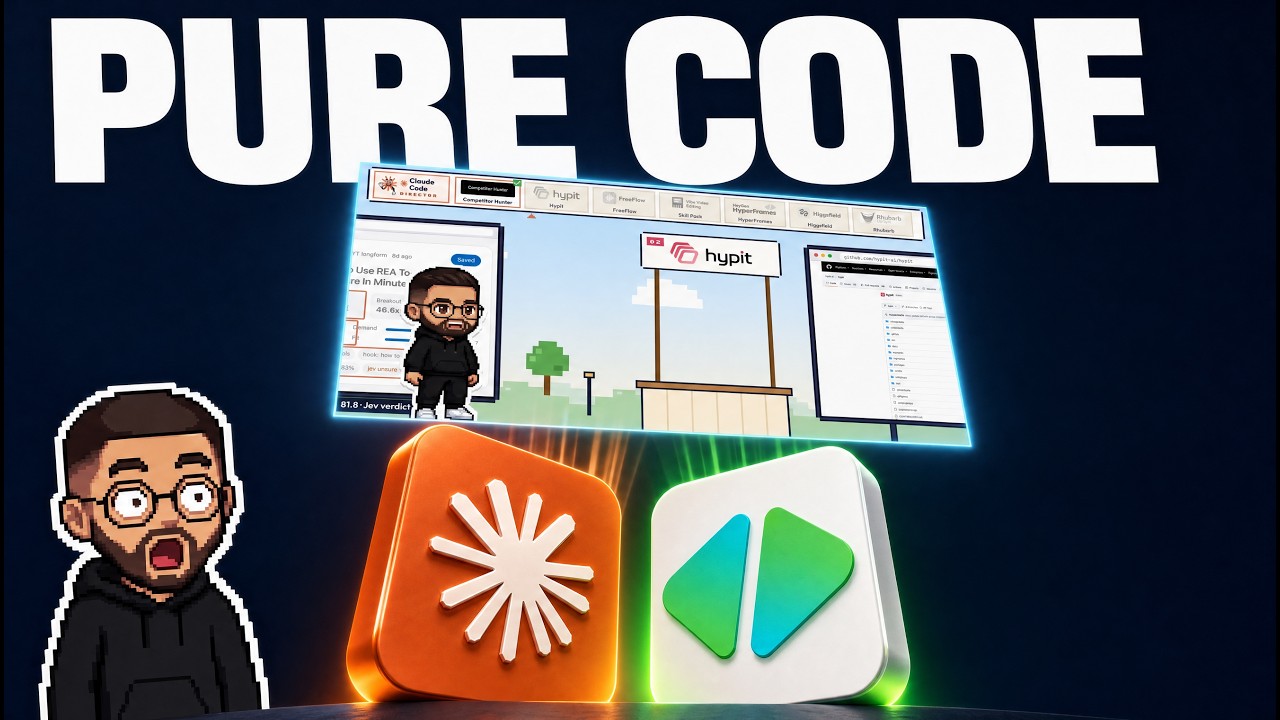
Most of my newer Claude Code videos use a pixel version of me, and it has doubled my engagement lately. Claude built it.
I took pictures of myself, gave them to Claude, and had it use the Higgsfield MCP to make a pixel me on a character sheet. Then it made more sheets for mouth positions and expressions.
To make the mouth match the words, Claude uses the Rhubarb repo. It lines up your audio with the character’s mouth shapes. You need Rhubarb installed before your first pixel me video, and you don’t even have to install it yourself. Paste the install page into Claude and tell it to handle it.
If you want your own voice cloned for the voiceover, you can use Fish Audio, ElevenLabs, or a local voice clone.
My advice if you’re following along: create your pixel me with the Higgsfield MCP first. Everything else plugs into it.
Is This Just a Views Game?
No. Views are the top of the funnel. In just a couple of days of posting these, close to 150 new members joined my community, and I’m building my email list with it too. There are over 14,000 contacts in my CRM now.
That’s what automated content is for. Not vanity numbers, but people raising their hand.
If you want the editing side broken down further, I wrote about how Claude Code replaced my video editor and how to clone viral Instagram reels with a free tool.
Key Takeaways
- Claude Code edits with code, not an AI video model. That’s why every output is consistent and repeatable.
- 4 steps: find a winner, turn it into a template with Hypit, talk the edit out, render with HyperFrames.
- Rip topics, not language. Templates copy structure. Your words stay your own.
- Render 5 versions at once with sub-agents so you pick a winner instead of redoing one.
- Trial reels turn one recording into 4 posts. One short pulled about 100,000 views across versions.
- Build your pixel me first with the Higgsfield MCP, and install Rhubarb for lip sync.
- Content is a lead engine. Close to 150 new community members in a couple of days, plus a growing email list.
Where to Go From Here
Land your first AI client in 90 days.
Join CC Strategic AI + for my 27-day Claude Code mastery program with a 1-click install setup file, and work WITH us to land your first AI client in 90 days, or your money back.
The tools from this walkthrough on charlieautomates.com:
Want the full system instead of piecing it together? Premium members of CC Strategic AI + get my video vibe editing skill pack in the Template Vault, the same one I use to make every video in this post.
At my agency CC Strategic we build systems like this for business owners, and new builds drop every week on my YouTube channel @charlieautomates.
FAQ
Can Claude Code edit videos? Yes. Claude Code edits videos by writing code that renders captions, graphics and transitions, using repos like HyperFrames. You give it raw footage or audio, a template and your notes, and it builds the finished video.
Does Claude Code video editing use an AI video model? No. Everything in the edit is built with code, not generated by a video model. That’s what makes the output consistent from one video to the next.
What tools do I need for Claude Code video editing? Claude Code, the Hypit repo for templates, HyperFrames for rendering, yt-dlp and FFmpeg for pulling reference videos, and a voice-to-text tool like FreeFlow. For a pixel character you also need the Higgsfield MCP and Rhubarb for lip sync.
How do I make a pixel version of myself for videos? Give Claude Code photos of yourself and have it use the Higgsfield MCP to create a character sheet, then extra sheets for mouth positions and expressions. Rhubarb matches the mouth shapes to your audio.
What are Instagram trial reels and why post multiple versions? Trial reels let you post differently edited versions of the same video. Instagram treats each version as its own post, so one recording can earn views several times over. One of my shorts pulled about 100,000 views across 4 versions.