Not sure what to fix first?
Most people don’t need another AI tool. They need to know which thing is actually costing them the most.
The AI Bottleneck Finder asks you a handful of questions, then tells you the one constraint capping your revenue right now plus two builds you could ship this week. Five minutes, free, no call required.
Take the free AI Bottleneck Finder →
The way I build websites with Claude Code has changed three times in the past couple of months. Each time it got faster, cleaner, and produced better-looking work.
I’m Charles J Dove, founder of Charlie Automates and CC Strategic. The first version was screenshot-and-paste from inspiration sites, plus a lot of inspect-element grinding. It worked, but it ate hours.
The second version was Google Stitch. Free, fast, and the interface let you tweak things directly. Big upgrade.
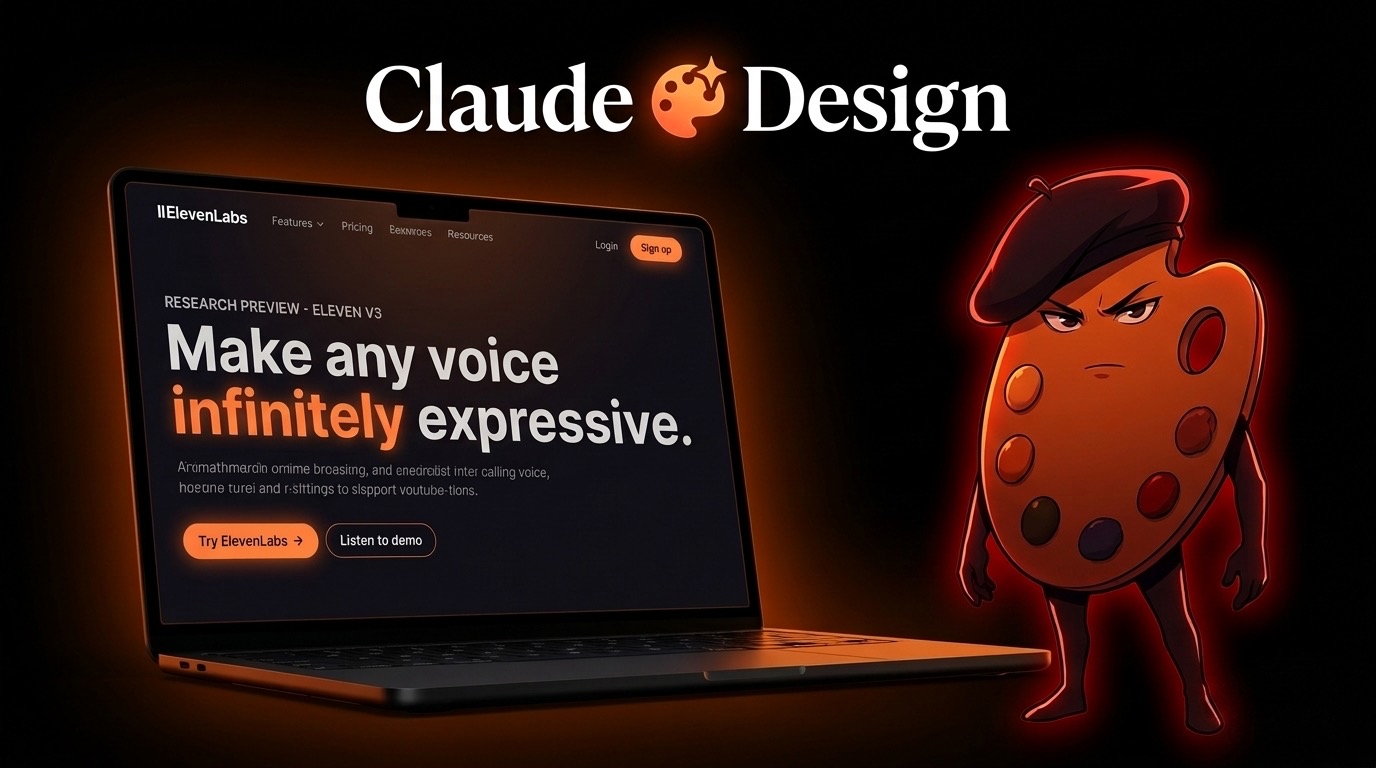
The third version, which I want to walk you through here, is the best one yet. It’s called Claude Design, and Anthropic just dropped it as part of your Claude subscription.
Three things make Claude Design hit different. It has a screen-capture feature that pulls any section from any website directly into your project. It hands off to Claude Code in one click. And it’s already inside the subscription you’re paying for.
If you stay with me through this post, I’ll show you where to grab 68 free design templates I use to scaffold full websites in 5 minutes flat. I’ll walk you through the install, the workflow, and how to ship the final site live with one push.
Let’s get into it.
What Claude Design Actually Is
Claude Design is a free tool inside your Claude subscription. You access it at claude.ai/design. It builds full websites, slide decks, and design systems for you based on inspiration you feed it.
Drop in a template. Drop in a screenshot. It builds a working prototype that’s ready to hand off to Claude Code.
Think of it as the design environment that talks to Claude Code natively. No more screenshotting back and forth between Figma and your IDE. No more “build me a SaaS landing page” prompts that produce AI slop. Claude Design owns the visual layer, Claude Code owns the build layer, and they pass work between each other inside one ecosystem.
The 68 Free Templates Repo
Here’s the part most people don’t know about yet. There’s a public GitHub repo called awesome-claude-design (1.6k stars and climbing) that hosts 68 free design system templates built specifically for Claude Design.
Repo URL: github.com/VoltAgent/awesome-claude-design
Each template is a full design system. Color palettes, typography, button variants, card examples, hero sections, the whole thing. Some examples:
- ElevenLabs (the dramatic samurai-styled site)
- Linear-style minimal SaaS
- Vercel-style developer landing pages
- Stripe-style premium product pages
- Notion-style content sites
You scroll through the collection, find one that matches your project, click “Download for Claude Design,” and you’ve got a file ready to drop in.
This is the part that turns Claude Design from a cool toy into actual leverage. You’re not designing from scratch. You’re starting from a proven, premium-quality system and customizing from there.
The Workflow: From Idea to Live Site in 30 Minutes
Here’s the exact loop I run inside my agency CC Strategic when I need to scaffold a new client site or test a new offer page.
Step 1: Pick a Template
Open github.com/VoltAgent/awesome-claude-design. Scroll the collection at the bottom. Find the one that fits your project’s vibe.
If you’re building for a law firm, pick the corporate one. If you’re building for a creator, pick the bold one. Don’t overthink this. The design system is the foundation, you’ll customize everything anyway.
Click the template. Click “Download for Claude Design.” A file lands on your computer.
Step 2: Drop It Into Claude Design
Open claude.ai/design. Click “Design Systems” then “Create.” Scroll to the bottom of the page. Drop your downloaded file into the upload zone.
Hit continue. Walk away for 5 minutes. Get a coffee. When you come back, Claude Design will have built out the full design system for you. Buttons, cards, typography, colors, the whole library.
Step 3: Hand Off to Claude Code
Click into your new design system. Hit “Share.” Claude Design generates a command for you. Copy it. Paste it into Claude Code.
Tell Claude where to put the file. I run a poly-repo Claude Code workspace with a websites/ folder, so I just tell it to drop the project in there with a folder name. Claude handles the rest.
Once it’s done assembling the project, ask Claude Code to boot it on localhost. Site is live in your browser within seconds.
Step 4: Customize With Capture
This is the feature nobody else has. Claude Design’s capture tool lets you grab any section from any other website and feed it directly into your project as context.
See a hero section on a competitor’s site you want to riff on? Hit capture. Drag the box around the element. Paste it into Claude Design. Now Claude has visual context on that exact section, and you can ask it to blend that aesthetic with your template.
This used to take me 20 minutes of inspect-element work per section. Now it’s 30 seconds.
Step 5: Ship It Live
Code lives in your repo. Push to GitHub. Connect Railway (my preferred host) or Vercel. The site goes live with a temporary domain.
Every Claude Code update from there auto-redeploys. One workflow, one ecosystem, zero friction between design and shipping.
Why This Beats Every Other Approach I’ve Tried
Quick comparison of the three workflows I’ve used in the last few months:
| Workflow | Time to Ship | Output Quality | Friction |
|---|---|---|---|
| Screenshot + Inspect Element | 4-6 hours | Decent if you’re patient | High (manual context) |
| Google Stitch | 1-2 hours | Good (free) | Medium (handoff to Claude Code) |
| Claude Design | 30 minutes | Premium | Zero (one ecosystem) |
The win isn’t just speed. It’s that Claude Design gives you premium output without you having to be a designer. The 68 templates do the design work for you. You just decide which one fits and customize the copy.
For my agency, this changes the unit economics on every client site. We can deliver $10K agency-quality work in under an hour. That’s real leverage.
Real Example: Charlie Counsel in 30 Minutes
I built a full landing page for a fictional brand called Charlie Counsel during the video. AI voice agents for law firms. Dark editorial design, ROI calculator, audio sample showcases, security strip, the works.
Total time from blank canvas to deployed on Railway: under 30 minutes.
I didn’t write a single line of CSS. Claude Design picked the template (ElevenLabs as the base), wrote the copy, designed every section. Claude Code built the project from the design system handoff. I customized two sections, asked it to fix one button alignment, and pushed it.
Site looked like something a $10K agency built. That’s not hype. That’s just what happens when you stop fighting your tools and let the ecosystem work the way it was designed.
Tools You Actually Need
| Tool | What It Does | Cost |
|---|---|---|
| Claude Code | The build environment | Subscription |
| Claude Design | The visual design layer (claude.ai/design) | Free with Claude sub |
| awesome-claude-design | 68 free design system templates | Free (GitHub repo) |
| GitHub | Code storage | Free |
| Railway or Vercel | Hosting + auto-deploy | Free tier or paid |
That’s the whole stack. No Figma seat. No design subscription. No stock template marketplace. The ecosystem is self-contained inside what you’re already paying for.
Key Takeaways
- Claude Design is included in your Claude subscription. If you have Claude, you have it. No new account, no extra cost.
- The 68 templates are free at
github.com/VoltAgent/awesome-claude-design. Pick the closest match to your project, download, import. - Capture is the killer feature. Drag any element from any site directly into your project as context. Skip the inspect-element grind.
- Handoff to Claude Code is one click. Stay inside the same ecosystem from design to code to deploy.
- 30 minutes is realistic. I’ve done it twice this week, both times producing sites that look like premium agency work.
Want to Build This Yourself?
If you want hands-on help building your website or SaaS product with Claude Code and Claude Design, you can . I’ll walk you through the exact stack and help you avoid the common mistakes.
If you want the full system plus weekly live calls and a community of builders running this every day, join CC Strategic AI on Skool. The Claude Design playbook lives there along with all my workflows and templates. For weekly Claude Code tutorials and AI automation walkthroughs, subscribe to the Charlie Automates YouTube channel.
Frequently Asked Questions
Do I need a paid Claude subscription to use Claude Design?
Yes, Claude Design is part of your Claude subscription. If you’re on the Claude Pro or higher plan, you already have access at claude.ai/design. Free tier may have limited access depending on Anthropic’s current rollout.
Can I use the 68 templates for client work?
Yes. The awesome-claude-design repo is public and the templates are free to use. Always check the individual repo license, but most are MIT or similar permissive licenses. We use them on client projects at CC Strategic regularly.
How is Claude Design different from Figma or Google Stitch?
Three big differences. First, it’s inside the Claude ecosystem so handoff to Claude Code is one click instead of an export-and-translate process. Second, the capture feature lets you pull elements from any live site as context. Third, it’s free with your existing Claude subscription, no separate seat fee.
Will this work for non-developers?
Absolutely. You don’t write code at any point. Claude Design picks the template, writes the copy, lays out the page. Claude Code assembles the project. You just describe what you want and refine the output.
How long does it actually take to build a real site?
Realistically 30-45 minutes if you know what you’re going for. The first 5 minutes are picking a template. The next 5 are scaffolding the design system. About 15-20 minutes of refinement on copy and sections. Then 5 minutes to deploy. The longer it takes, the more you’re customizing, which is on you, not the tools.
Can I customize the templates or am I locked into the design?
Fully customizable. The template is just a starting design system. You can change colors, fonts, layouts, copy, components. Claude Design and Claude Code work together to refactor anything you want changed.
What if I don’t like the first output?
Iterate. Tell Claude what’s off. Drop a screenshot of a competitor’s section you like better. Use the capture feature to add reference material. Each refinement loop takes a couple of minutes and the design gets sharper every round.
Want more Claude Code and Claude Design tutorials? Visit charlieautomates.com for the full library, or subscribe to the Charlie Automates YouTube channel for weekly walkthroughs on building real things with AI.
This is what we teach inside the CC Strategic AI community on Skool. Real builds, real deploys, no theory.
Grab the Claude Code design repos free in Free Resources, together with every other Claude Code skill, plugin, and playbook I use day to day.
Not sure what to fix first?
Most people don’t need another AI tool. They need to know which thing is actually costing them the most.
The AI Bottleneck Finder asks you a handful of questions, then tells you the one constraint capping your revenue right now plus two builds you could ship this week. Five minutes, free, no call required.