Get your next client on autopilot
Inside AI Autopilot Academy you get my 27-day Claude Code mastery program with a 1-click install setup file, so you’re up and running on day one. Plus my GoHighLevel CLI, the Skool Automation MCP and Jarvis +. And you get a proven Claude Code content system to get your next client on autopilot.
Every carousel on my Instagram right now took 15 minutes or less to make. I didn’t design a single slide.
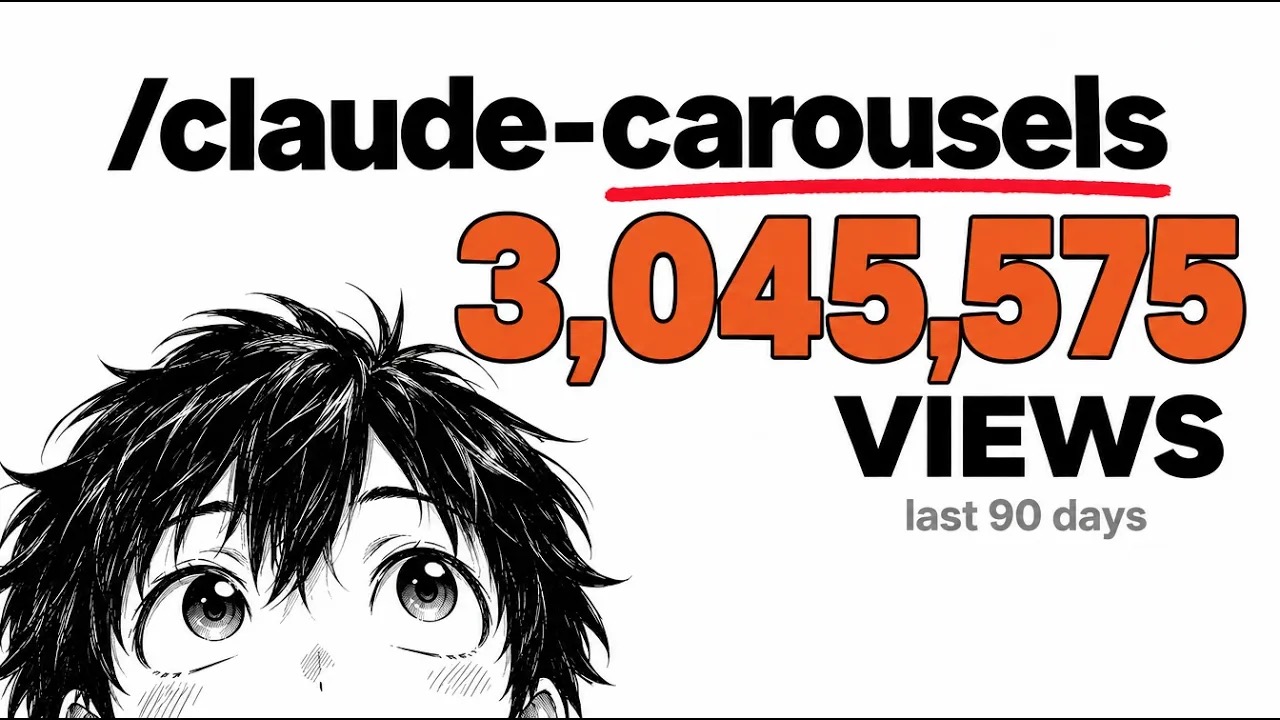
Claude Code builds them for me, and they’ve pulled millions of views. One I posted from a competitor’s idea hit 27,000 views and a pile of saves. You don’t need to be on camera, you don’t need to be technical, and you don’t need to be the world’s best content strategist.
I’m Charles J Dove, I run Charlie Automates, and this is exactly how to make Instagram carousels with Claude Code, from finding the idea to hitting share.
How Long Does It Take to Make an Instagram Carousel With Claude Code?
An Instagram carousel takes about 15 minutes with Claude Code, start to finish. Claude does the research, the layout and the slide copy. Your job is picking the version you like and fixing whatever bugs you.
Here’s why that matters. Building an audience comes down to consistency, being in front of people as often as possible. Nobody becomes an influencer overnight, the same way nobody becomes a millionaire overnight. But when one carousel costs you 15 minutes instead of hours in Canva, posting every day stops being a fantasy.
My target is 1 to 2 shorts or carousels a day, plus a couple of long videos a week. Carousels are the easiest part of that, and honestly the most rewarding.
What Is the Claude Carousels Skill?
Claude Carousels is a Claude Code skill I’ve been sharpening for about 4 months. It runs inside VS Code, and when I launch it I get 5 options:
| Mode | What it does | When I use it |
|---|---|---|
| New carousel | Builds a carousel from a topic or theme | I have an idea and no reference |
| Bulk | Creates up to 20 carousels in one run | Batch day, filling a week of posts |
| Redesign | Rebuilds an old carousel to lift engagement | A good post that looked rough |
| Competitor remix | Turns a competitor post into my own version | Someone else already proved the topic |
| Template library | Starts from a saved template that won before | Any repeat format |
The template library is the part that compounds. When a carousel performs, I turn it into a template, and every future carousel in that style gets faster. Every finished carousel lands in its own folder with the template details, the supporting images and all 3 versions of page one, so you can see exactly what Claude built.
The skill isn’t mandatory, by the way. Once you understand the flow below, you can run it with plain prompts. I put the exact prompts I type, in order on a free page.
Where Do You Find Carousel Ideas That Already Work?
The best carousel ideas come from content that already won in your niche. Don’t guess what people want. Find what they’re already watching and add your own take.
The most unexpected place I start is YouTube. I post carousels on Instagram and TikTok (and in the YouTube Community tab), but YouTube shows you what’s working with zero extensions. Search your topic, sort by fresh, and look for big numbers on recent uploads. When I searched “Claude Code”, I found a video with 42,000 views that was 15 hours old. That’s a topic with heat on it.
My 27,000-view carousel came from exactly that move. I transcribed a competitor’s video, pulled the main ideas and added my own perspective.
I don’t do the hunting by hand anymore. I built a dashboard in Claude Code that shows my competitors’ top 5 shorts, top 5 long videos, AI news, Reddit posts and GitHub repos in one place. The free YouTube version is Competitor Hunter, and you can point it at any niche.
Takeaway: rip topics, never language. Your angle is what makes it yours.
How Do You Make Page One of a Carousel?
Page one of a carousel is the hook, so it gets the most attention. I have Claude build 3 versions of page one before it touches the rest of the slides.
Here’s the prompt I give Claude, in plain English:
- Take the thumbnails from these competitor videos and figure out what each one is about.
- Use those thumbnails, minus the faces, as the base for page one of a new carousel.
- Turn everything they discussed in the video into carousel slides I can edit later.
- Build only page one for now, in the right folder.
- Use the Playwright CLI to find logos that fit each carousel.
- Generate any supporting images through the Higgsfield MCP, sized to match.
- Give me 3 variations of page one for each carousel.
That’s a lot of instructions, and Claude handles them in a few minutes. You’ll see it pulling logos in real time. For the tools in steps 5 and 6, here’s the Playwright browser automation setup and the Higgsfield MCP setup.
How Do You Pick and Finish the Carousel?
Picking the winner is the only part of making a carousel worth slowing down for. Creating is easy. Choosing is where your taste shows up.
When I flip through the 3 versions, I’m asking one question: would I stop scrolling for this? In the video, I picked a page one with a “7 billion tokens” tag in the top corner. The tag overlapped the art too much, so I asked Claude one thing first: “Do you see anything uneven?” Make Claude check its own work before you point at the problem. It catches more than you’d expect.
Then I told it to keep that page one with the fixes, pasted in my link-in-bio CTA slide, and had it build the rest. I keep a few CTA pages ready to go (follow, link in bio, comment a keyword) so I just pick one.
One more thing about the look. Instagram labels images that are made entirely by AI. My slides aren’t. Claude codes the layout the same way it would build a website in HTML, and any generated images sit inside that layout as small supporting pieces. That’s also why the slides look designed instead of generated.
How Do You Post and Schedule Carousels From Claude Code?
Posting a carousel is the fast part once the slides exist. I share the images straight to my phone (Mac to iPhone), then upload them one by one.
For the caption, I run my short-form caption skill. It writes the caption at the right length and sends it to me in Slack, so on my phone I just copy it, paste it and add music.
You can also skip the phone completely. Connect your social accounts to Zernio, grab an API key, and hand it to Claude Code. Make 20 carousels on a Monday and Claude schedules one a day for you. I don’t, because I like picking the music myself, but if you don’t care about that, it’s one of the best content shortcuts you can set up with any AI coding agent right now.
Your content engine is one piece of a bigger system. If you want to see how carousels, video and leads all connect, read the 3-step system to build an agentic OS.
Does This Work Outside the AI Niche?
Yes. Claude Code carousels work in any niche, because the flow is the same: find what people already watch in your field, turn it into slides, add your take.
You can be a chiropractor, a lawyer or an accountant. If you’re the best at what you do and nobody knows you yet, 15-minute carousels are the cheapest way to start more conversations.
I’ve been making money online for 13 years, and there’s nothing passive about it. Content is one part of the whole. But every carousel puts you in front of the people you actually want in your life, whether that’s clients, students or just friends. That’s the point. Not content for the sake of content. Content that buys you time with your family and lets you serve your clients better.
Key Takeaways
- 15 minutes per carousel. Claude Code handles research, layout and slide copy.
- Start from proven content. YouTube search shows what’s hot with zero tools. My remix of one video pulled 27,000 views.
- Build 3 versions of page one first. Page one is the hook, so it gets the most options.
- Make Claude check its own work before you point out the problem.
- Slides are coded layouts, not AI images. Generated art is only a supporting piece.
- Batch 20 and schedule them through Zernio if you don’t need music on every post.
- Any niche works. The flow doesn’t care if you sell AI or chiropractic care.
Where to Go From Here
Get your next client on autopilot.
Join AI Autopilot Academy for my 27-day Claude Code mastery program with a 1-click install setup file, plus a proven Claude Code content system to get your next client on autopilot.
The tools from this walkthrough on charlieautomates.com:
Want the skill itself instead of the prompts? Premium members of AI Autopilot Academy get the full Claude Carousels skill pack in the Template Vault, the same one I used in this video, plus the video vibe editing pack I use for Claude Code video editing.
If you want to turn skills like this into paid client work, I broke down 5 Claude Code repos that make money. At my agency CC Strategic we build content systems like this for business owners, and new builds drop every week on the Charlie Automates YouTube channel @charlieautomates.
FAQ
How do you make Instagram carousels with AI? Give Claude Code a topic or a competitor post, have it build 3 versions of page one, pick one, then let it build the remaining slides and a CTA page. The layout is coded in HTML, and AI images are only used as supporting pieces. Each carousel takes about 15 minutes.
What is the best Instagram carousel maker? For speed and control, Claude Code works as an Instagram carousel maker that builds slides from your own templates. You keep every winning design as a template, so each carousel gets faster than the last. If you prefer dragging things around by hand, Canva still works.
Can Claude Code make 20 carousels at once? Yes. The Claude Carousels skill has a bulk mode that creates up to 20 carousels in one run. Pair it with Zernio and Claude Code can schedule one per day for you.
Will Instagram flag Claude Code carousels as AI? Instagram labels images that are made entirely by AI. Claude Code carousels are coded layouts with text, logos and design, and generated images sit inside them as small pieces, so they read as designed graphics.