Not sure what to fix first?
Most people don’t need another AI tool. They need to know which thing is actually costing them the most.
The AI Bottleneck Finder asks you a handful of questions, then tells you the one constraint capping your revenue right now plus two builds you could ship this week. Five minutes, free, no call required.
Take the free AI Bottleneck Finder →
If you’ve been using Claude Code for the past month, you’ve heard of the GSD (Get Stuff Done) plugin. You’re probably using it right now. And look, I’m not here to trash it. GSD was revolutionary when it dropped.
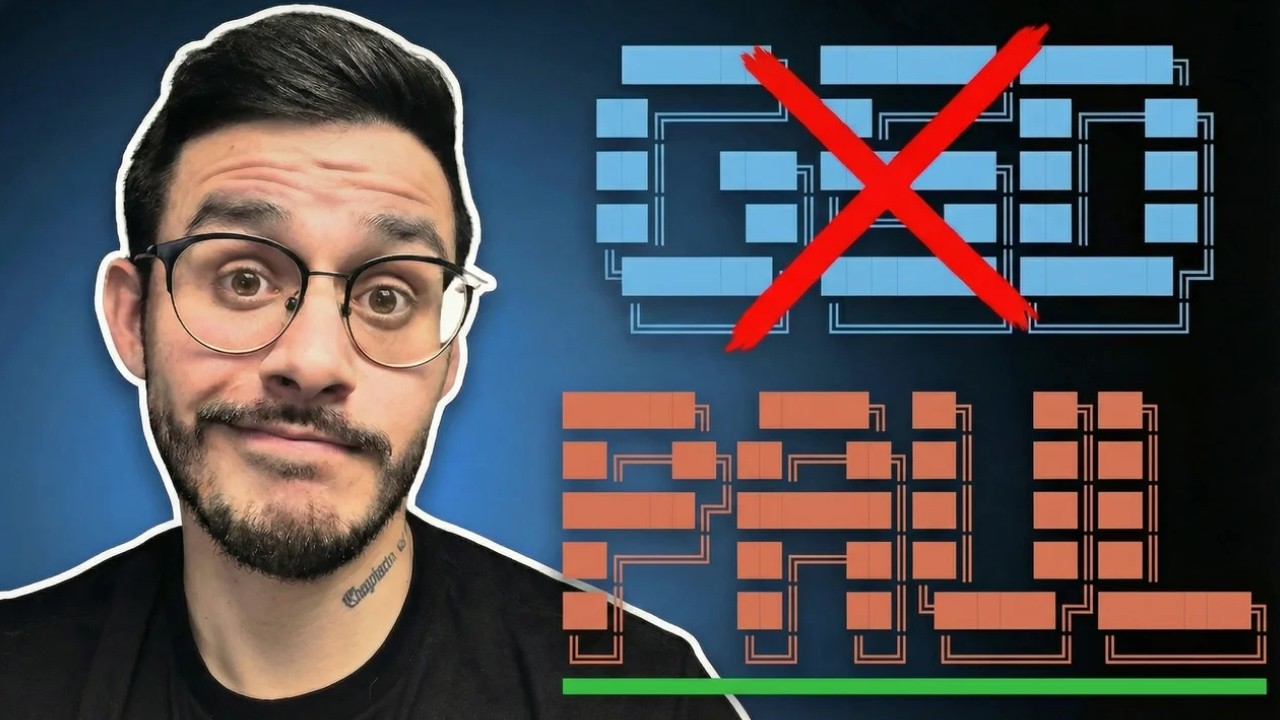
But I found seven critical problems using GSD for real projects. And this new plugin called PAUL solves every single one of them.
I’m Charles Dove, and I run Charlie Automates. At my agency CC Strategic, we build production apps for clients who pay high ticket. Speed is nice. But shipping broken software? That’s a fast way to lose a client.
Let me break down exactly what’s going on and why you should care.
The Core Difference: Relay Race vs Marathon
Here’s the thing. The main architectural difference between GSD and PAUL comes down to one decision.
GSD is a relay race. It sprints through phases, handing off the baton each time. PAUL is a marathon. It keeps one steady pace with full awareness of everything that came before.
That single design choice causes every problem that follows. Let me walk you through all seven.
Problem 1: Knowledge Transfer Is Broken
Every time GSD starts a new phase, it boots up a fresh context window. It has to re-read all the notes, all the files, all the documentation. That costs tokens. And here’s the real killer: you’re losing about 70% of context from every new conversation window.
Seventy percent. Gone.
PAUL stays in the same conversation. It loses close to zero context. GSD is trading quality for freshness. PAUL trades speed for continuity.
If you’re building anything serious, continuity wins every time.
Problem 2: The Loop Breaks When You Interrupt
This one drove me crazy. With GSD, every time you give input, it triggers a full restart. The current worker vanishes. Your feedback causes amnesia.
Think about that. You’re building an app. You notice a small issue. You mention it. And GSD restarts the entire phase from scratch.
PAUL handles interruptions differently. The worker stays active. It takes your input and keeps moving forward. No restart. No lost progress. Just straightforward continuity.
Your input should not cause amnesia. Period.
Problem 3: Fake Verification
There’s no guard rail with GSD that makes sure the app is fully functional. GSD checks file structure. That’s it. Very static.
In the real world, we have something called UAT, which stands for User Acceptance Testing. It’s where we actually verify that functionality works. That buttons click. That APIs connect. That things do what they’re supposed to do.
PAUL runs a guided UAT process. It forces you to test the build before moving on. GSD builds it and hopes for the best. PAUL builds it, then proves it works.
If you’re shipping to clients, which one sounds safer?
Problem 4: The Room Gets Messy
GSD follows a simple pattern: plan, build, and the check is optional. That optional check is where things fall apart.
Without mandatory cleanup, drift accumulates. AI hallucination creeps in. The AI goes off the walls and does something completely unrelated to the original product requirements.
PAUL makes cleanup mandatory. Plan, build, close out. Every single time. No exceptions. Without that forced organization, reality drifts from your documentation. And once it drifts, it keeps drifting until your project is unrecognizable.
Problem 5: Token Cost Is Out of Control
When you want to fix something small using GSD, it spins up the full machinery. All its power. All its tokens. For something as small as a fly.
GSD is spinning up industrial equipment to swat a bug that a simple fly swatter could handle.
PAUL scales the response proportionately to the fix. Small problem? Small token cost. It fixes it within continuity of your conversation with Claude, saving tons of tokens.
If you’re on the Max plan and watching your usage, this matters. A lot.
Problem 6: Parallel Processing Creates Conflicts
This one is sneaky. GSD builds phases in parallel. Phase 1A, 1B, and 1C all run at the same time. Sounds fast, right?
Here’s the problem. If any of those sub-phases share files, they’re working on the same code simultaneously. That leads to integration failure. Two workers editing the same file at the same time creates merge conflicts and broken code.
PAUL uses a single worker stream with sequential processing. One, two, three, in order. He’s slower but fully informed. Stack that with the UAT testing, and quality is assured.
Problem 7: Silent Drift
This is the most dangerous problem because you don’t see it happening. GSD assumes success after the build. It doesn’t check. It just moves on.
PAUL validates the state of the project at every step. It pushes you to verify, to test, to confirm. Every single phase.
Silent drift is what turns a project from “almost done” into “start over.” PAUL catches it before it compounds.
When to Use GSD vs PAUL
I’m not trying to push you away from GSD. It was totally revolutionary. It still has its place. Here’s when each one makes sense.
Use GSD When:
- You have independent, unrelated tasks
- You need raw velocity and speed
- The project has 20+ phases where the orchestrator must stay light
- You need access to mature tooling and lots of commands
- Parallelization won’t cause file conflicts
Use PAUL When:
- You’re building production apps for clients
- Quality matters more than speed
- You want verified, working software at every milestone
- Token cost is a concern
- You need continuity across the entire project lifecycle
GSD wins on raw velocity and parallelization. PAUL is the scalpel. More granular. More precise.
How to Install PAUL
Getting started takes about 30 seconds.
- Grab the install command from the PAUL repo
- Open your terminal and run the command
- Choose “global” installation
- Open Claude Code and run
/paul:init
That’s it. You’ll see a new .paul folder in your project. PAUL creates a project file, a roadmap, and a state file to track where you are in development.
I’d suggest keeping it in plan mode first. Discuss back and forth the type of project you want to create. Let PAUL set up the file structure before you start building.
Pro Tip: Stack PAUL with CARL
If you’ve seen my video on CARL (another Claude Code plugin), you can actually stack them together. CARL handles custom knowledge domains. PAUL handles the build workflow. Together, they create an all-in-one app building system.
My partner Chris Kahler, the creator of both PAUL and CARL, and I are working toward a full solution where it’s an integrated plugin designed specifically for creating SaaS products.
Check out my video on CARL if you want to deep dive into that side of things.
Why I Switched to PAUL for Client Work
For a lot of my builds at Charlie Automates, I don’t need speed. I definitely don’t need a million different tools running at the same time.
At CC Strategic, we charge high ticket. When I bring in a client, I can afford to spend a few weeks making sure the app I deliver is production ready. PAUL gives me that confidence.
Speed is great for prototyping. But when a client is paying you real money for a real product, reliability beats velocity every time.
So I’m sticking with PAUL from here on out. Especially for client deliveries.
Start Building Better Software Today
If you’re tired of GSD losing context, hallucinating, and shipping half-verified code, give PAUL a shot. It takes 30 seconds to install. The learning curve is minimal if you already know GSD.
Weigh your options. Take this as perspective, not a mandate. But try it for yourself and see the difference.
Want to go deeper on Claude Code? I publish about two videos weekly on Claude Code workflows and plugins on the Charlie Automates YouTube channel.
Ready to build your SaaS or agency? Join CC Strategic AI on Skool for Claude Code templates and guides. Premium members get access to our accelerated 90-day program where I guarantee you’ll build your SaaS application or agency and gain your first customer.
Want it Done-For-You? Charlie OS is the DFY Claude Code setup with all my skills, plugins, and frameworks installed for you. Click the VIP option inside Skool to grab it.
Want 1-on-1 help? and let’s get your project production-ready.
FAQ
What is the PAUL plugin for Claude Code?
PAUL is a Claude Code plugin that manages your software build process with a focus on continuity and quality. Unlike GSD which sprints through phases in parallel, PAUL works sequentially and includes mandatory User Acceptance Testing (UAT) at every milestone. It creates a project file, roadmap, and state tracker so you always know where you are in development.
Can I use both GSD and PAUL on the same project?
You can have both installed, but you’d typically pick one per project. GSD works best for rapid prototyping with independent features. PAUL works best for production builds where quality and verification matter. Some developers use GSD for the initial prototype, then switch to PAUL when it’s time to make the app production-ready.
Does PAUL actually save tokens compared to GSD?
Yes. GSD reboots the full context every time you start a new phase or give feedback, which burns through tokens quickly. PAUL stays in the same conversation and scales its responses proportionately to the task. Small fix? Small token cost. You’re not spinning up industrial equipment to swat a fly.
Who created the PAUL plugin?
Chris Kahler built PAUL (as well as CARL, another Claude Code plugin for knowledge domains). Charles Dove and Chris are partners at C&C Strategic Consulting and are actively developing an integrated solution that combines PAUL and CARL into a single system designed for building SaaS products with Claude Code.
PAUL is free in Free Resources. Every skill and playbook behind this build lives there, along with the rest of the stack I run.
Not sure what to fix first?
Most people don’t need another AI tool. They need to know which thing is actually costing them the most.
The AI Bottleneck Finder asks you a handful of questions, then tells you the one constraint capping your revenue right now plus two builds you could ship this week. Five minutes, free, no call required.